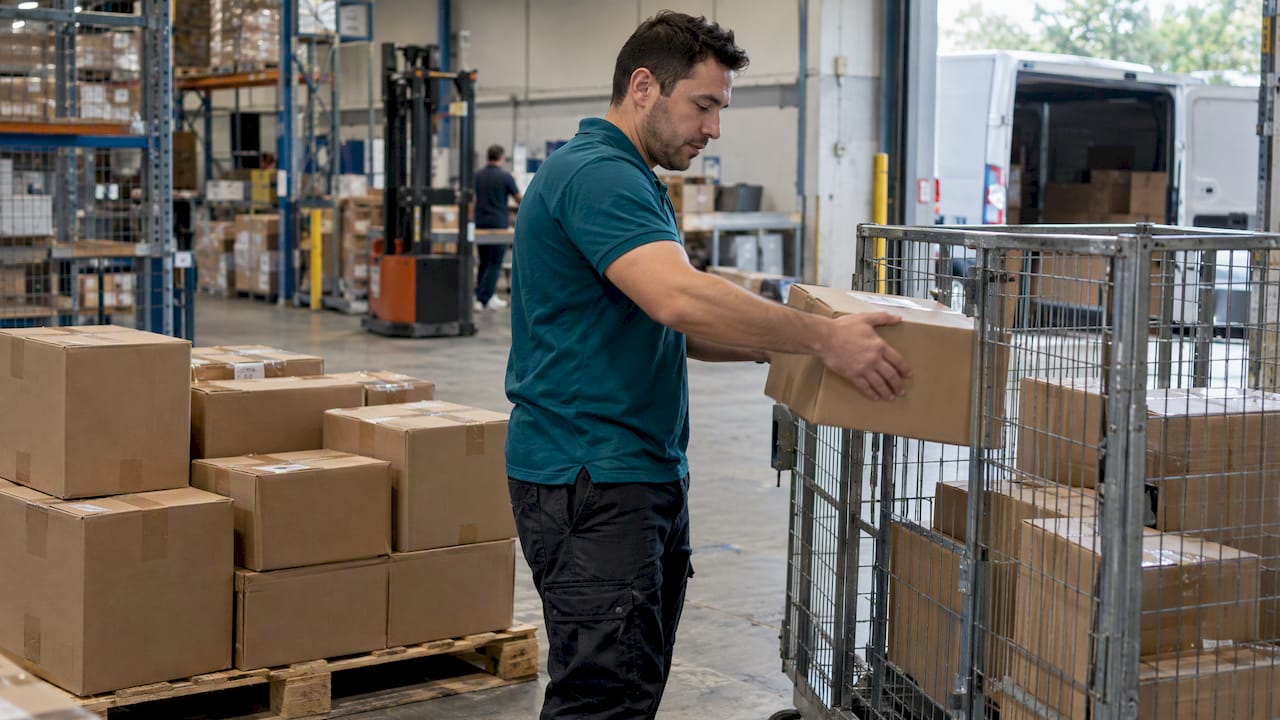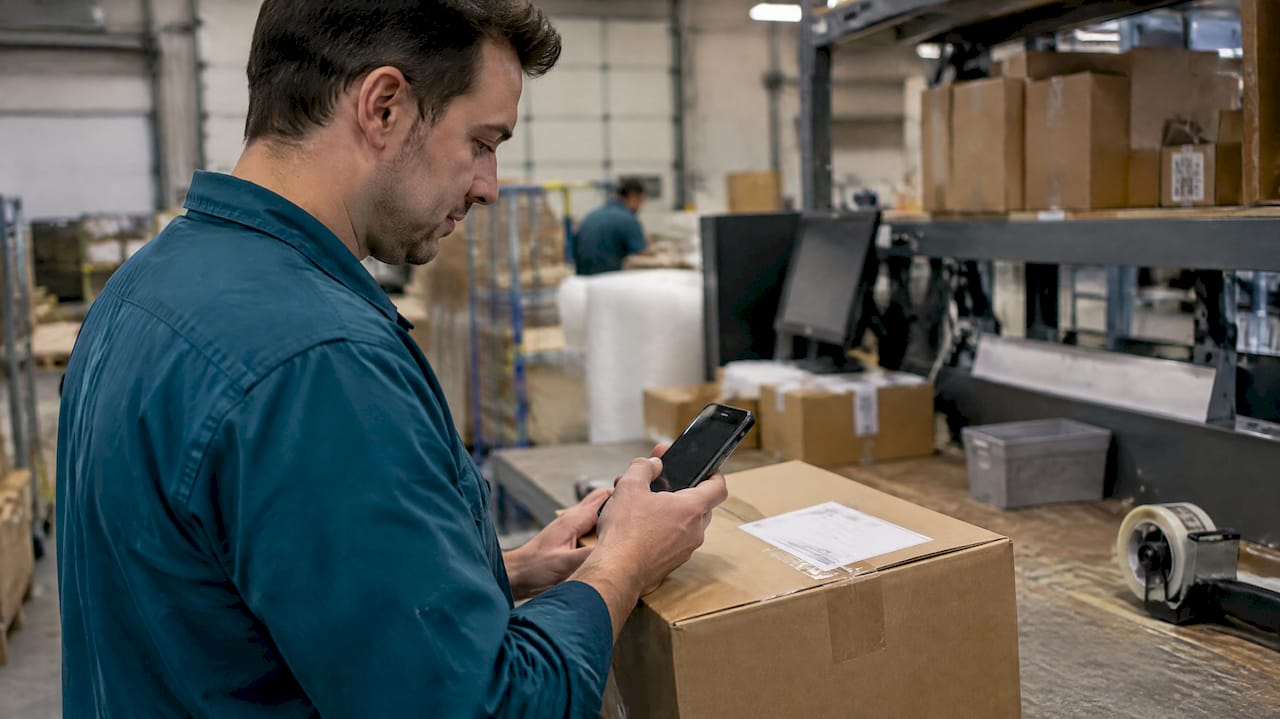
A shipping tracking number is a unique identifier for a parcel that lets you look up its status online and set notifications. The moment you have one, enter it into the matching carrier’s site or a multi-carrier tracker, turn on email or text alerts, and if nothing is showing up, contact the sender or carrier directly. Those three steps cover most tracking questions before anything else matters.
TL;DR:
- International postal tracking codes often contain two letters, nine digits, and two letters; order numbers identify purchases, not parcels, so verify the code first.
- Some low cost international services and standard letter mail include no tracking, so no number exists to recover; wait through the expected delivery window.
- A label created status means only that a label exists; the carrier may not have received the parcel or scanned it yet.
- Wait at least one postal business day after an expected update before escalating; contact the retailer about order issues and the carrier about delivery problems.
- Ignore unsolicited delivery messages demanding payment or personal details, and verify status through the retailer’s account or a carrier number found independently.
Table of Contents
- What tracking numbers look like and where they appear
- How to find a missing tracking number
- How to track a package without wasting time
- Common tracking statuses and what they actually mean
- How to spot a fake tracking message
- When to contact the sender or carrier
- How businesses track shipments at scale
- Why tracking hygiene matters more than it seems
- How Or-ner centralizes tracking for growing businesses
- FAQ
- Sources
What tracking numbers look like and where they appear
Tracking numbers vary by carrier and service, but a few formats show up again and again. International mail often uses the UPU format: two letters, nine digits, and two letters again (for example, RR123456789US). Domestic parcels frequently use long numeric strings that can be quite lengthy, while other carriers mix letters and numbers into shorter codes.
You’ll usually find the number in a few predictable places:
- The shipping confirmation email from the retailer or sender.
- The printed receipt or label stapled to the packaging.
- Your account dashboard on the retailer’s website or app.
- The barcode section printed directly on the mailing label.
One common mix-up: an order number or invoice number is not a tracking number. Order numbers identify your purchase in the retailer’s system; tracking numbers identify the physical parcel in the carrier’s system. If a code doesn’t work on a carrier’s tracking page, check whether you’re actually looking at the wrong one.
How to find a missing tracking number
When you can’t locate a tracking number, work through these steps in order before assuming anything is wrong:
- Check your order confirmation and shipping emails first. Retailers typically send the tracking number once the label is created, often in a separate email from the original order confirmation.
- Look at your account order history. Most online stores keep a record under “my orders” or “order status,” even if you deleted the original email.
- Ask the sender or retailer directly. If you still can’t find it, USPS advises asking the sender or checking receipts and online label records, since carriers generally cannot locate an item without the tracking number itself.
- Use carrier-specific recovery tools. USPS customers can sign up for Informed Delivery to see incoming mail, and some services let you text tracking numbers to 28777 for updates.
- Recognize when there’s no tracking number at all. Some mail classes, like certain low-cost international or standard letter mail, don’t include tracking by design. If that’s the case, there’s nothing to recover, and you’ll need to wait out the expected delivery window instead.
How to track a package without wasting time
Once you have the number, the choice isn’t complicated: use the carrier’s own site when you know who’s delivering, and use a universal multi-carrier tracker when you’re not sure or you’re juggling several shipments from different services. Universal trackers save time when a retailer uses a regional partner you don’t recognize.
For most people and small teams, the better long-term habit is to let the retailer’s order page do the work. Many stores pull live carrier data into your account automatically, so you’re not pasting numbers into three different websites.
A few habits make tracking less of a chore:
- Subscribe to carrier email or SMS alerts instead of checking manually.
- Batch-track multiple numbers at once if you’re monitoring several shipments.
- Keep the tracking number attached to the order record, not in a separate note you’ll lose.
- Use push notifications through a retailer or carrier app if you want real-time nudges without checking email.
Businesses managing more than a handful of shipments benefit from the same logic at scale: our guide to parcel tracking systems and our notes on setting up shopper alerts both cover how to structure notifications so you’re not manually refreshing a page all day.
Pro Tip: Set notifications the moment you get a tracking number, not after you start wondering where your package is.
Common tracking statuses and what they actually mean
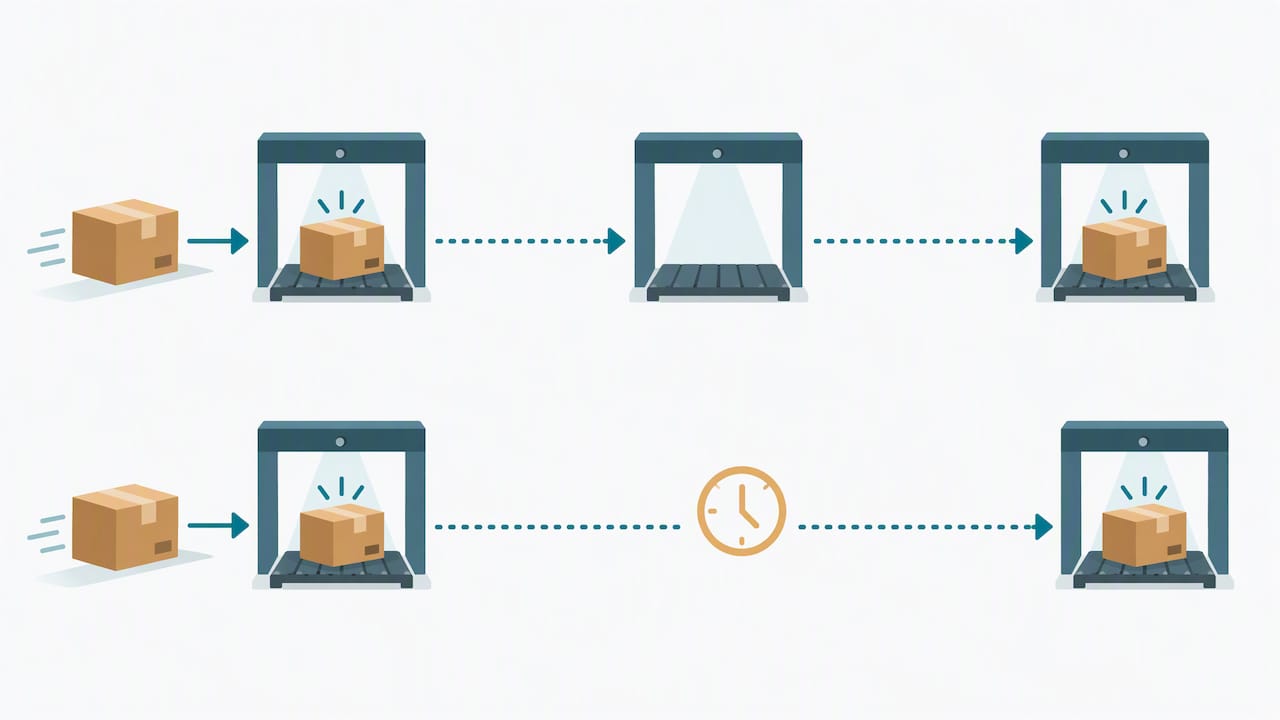
Tracking statuses follow a rough sequence, but not every scan event means what it sounds like. A label created or pre-shipment status simply means a shipping label exists, according to USPS’s tracking basics; the carrier may not have physically received the parcel yet.
Here’s what the common statuses generally indicate:
- Label created / pre-shipment: the sender printed a label, but the carrier hasn’t scanned the item in yet.
- Accepted: the carrier has physical custody of the parcel.
- In transit: the package is moving between facilities.
- Out for delivery: it’s on a truck headed your way today.
- Delivered: it has reached the destination address.
- Notice left: the carrier attempted delivery but couldn’t complete it.
- Held / exception: something paused delivery, like a customs hold or address issue.
- Delivery status not updated: often just a missed scan, not a lost parcel.
One detail worth knowing: carriers retain tracking and proof-of-delivery records for defined windows that vary by service, as USPS documents in its tracking basics. That’s useful context if you need historical proof of delivery for a dispute weeks later.
A single missing scan usually reflects a handling gap, not a lost shipment. Act when a status stalls for longer than expected, not after one quiet day.
How to spot a fake tracking message
Phishing built around fake delivery notices has become a routine tactic. The FTC warns that unsolicited texts or emails claiming to be from a carrier are a common scam method, often asking you to click a link or pay a small fee to “release” a package.
Watch for these red flags:
- Urgent language pushing you to act immediately or pay a fee to receive your item.
- A sender ID or email address that doesn’t match the carrier’s real domain.
- A link that asks for payment details or personal information before showing tracking status.
- Vague references to “your package” with no order number or recognizable details.
The safest response is to ignore the message entirely and check your status independently: open the retailer’s site or app directly, confirm the order in your account, or call a verified carrier number you looked up yourself rather than one listed in the message. If something looks like a scam, report it to the carrier and to your country’s consumer-protection authority.
When to contact the sender or carrier
Not every stalled status needs a phone call. Use this sequence:
- Wait out the expected window first. Many carriers, including USPS, recommend waiting at least one full postal business day after an expected update before escalating, since USPS’s status guidance treats most gaps as temporary.
- Contact the retailer first for product or order issues, and the carrier directly for delivery or scan problems.
- Gather details before you reach out: tracking number, order confirmation, proof of purchase, delivery address, and photos if the item arrived damaged.
- File a formal service request if the stall persists, including the tracking number and any redelivery notice barcode to speed up the investigation.
How businesses track shipments at scale
Individual tracking habits don’t scale well once you’re shipping hundreds of orders a week. A workable business workflow looks like this:
- Record each tracking number alongside carrier, service level, origin, destination, and promised delivery date.
- Monitor for exception events: no acceptance scan, failed delivery attempt, or a customs hold.
- Automate customer notifications so delays get flagged before a customer has to ask.
- Keep tracking records on file for audits, chargebacks, and carrier claims.
Platforms built for this kind of volume pull carrier scan data into a single dashboard so exceptions surface automatically instead of getting buried across dozens of individual tracking pages. Our rollout plan for cutting shipment exceptions walks through how teams structure this without hiring extra staff just to watch tracking numbers.
Why tracking hygiene matters more than it seems
Good tracking habits prevent most disputes before they start. Keep receipts, save tracking numbers with your order records, and turn on notifications: it’s a small habit that saves real time later.
— Maayan
How Or-ner centralizes tracking for growing businesses
Chasing tracking numbers across carrier sites gets harder as order volume grows, and that’s the exact problem we built our platform around. We bring real-time shipment visibility, carrier integrations, and exception alerts into one dashboard, so your team sees a delayed customs hold or a missed scan before a customer emails asking where their order is.
What this looks like in practice:
- Real-time tracking data pulled from multiple carriers into a single view.
- Automated alerts for exceptions like failed delivery attempts or customs holds.
- Analytics that show where delays cluster across your shipping network.
If your team is still tracking orders manually across tabs, our courier and fulfillment services page is the place to see how centralized tracking fits into a broader logistics setup, from freight booking to warehousing.
FAQ
What is a shipping tracking number used for?
A tracking number is a unique code assigned to a parcel that lets you or anyone with the number look up its shipping status online. You can use it to check location updates, estimated delivery dates, and delivery confirmation through the matching carrier’s site or a multi-carrier tracker.
Where can I find my tracking number if I lost it?
Check your shipping confirmation email and your account order history first, since most retailers log tracking numbers there automatically. If you still can’t find it, USPS recommends contacting the sender directly, since carriers generally cannot look up a shipment without the number itself.
Why does my tracking status say “label created” with no movement?
A “label created” status simply means a shipping label was generated, not that the carrier has received the parcel yet. This is normal in the early stage of shipping and usually updates once the carrier scans the item in, according to USPS’s tracking basics.
How do I know if a tracking text or email is a scam?
Be suspicious of any unsolicited message asking you to click a link or pay a fee to receive a package, since the FTC warns this is a common phishing tactic. Verify your delivery status independently through the retailer’s account or a carrier number you look up yourself, never through a link in the message.
How long should I wait before contacting a carrier about a stalled package?
Most carriers, including USPS, suggest waiting at least one full postal business day after an expected update before escalating, since a single missed scan rarely means a package is lost. If the status still hasn’t changed after that window, USPS recommends filing a service request with your tracking number and order details.