
TL;DR:
- Shipment tracking is checkpoint-based, logging only when packages are scanned, not real-time movement. Silent periods between scans are normal, not indicators of delays or loss. Combining technology like barcodes, RFID, GPS, and AI with proper processes improves tracking accuracy and customer communication.
Most e-commerce sellers assume shipment tracking means watching a package move in real time, like a GPS dot crawling across a map. It does not work that way. Tracking is actually a checkpoint-based system that logs events only when a package is physically scanned. Understanding this distinction is not just a technicality. It shapes how you respond to customer questions, how you design your operations, and how you choose the tools that power your logistics. This article walks you through how tracking actually works, the technologies behind it, the issues you will run into, and the practical steps you can take to deliver a better experience.
Table of Contents
- How shipment tracking actually works
- Key technologies powering shipment tracking
- Common shipment tracking issues and edge cases
- Best practices for e-commerce shipment tracking
- Why shipment tracking is more about system design than technology
- Take the next step: Streamline your shipment tracking
- Frequently asked questions
Key Takeaways
| Point | Details |
|---|---|
| Checkpoint-based tracking | Shipment tracking uses event-based scans at key points, not real-time GPS. |
| Technology mix matters | Barcodes, RFID, GPS, and AI each play a unique role in visibility and automation. |
| Plan for edge cases | Silent tracking periods and issues like customs delays are common and manageable. |
| Integrated systems win | Linking APIs and AI with your logistics helps boost customer satisfaction and efficiency. |
How shipment tracking actually works
Let’s start by unpacking the foundational question: what actually happens when a shipment is tracked?
When a carrier picks up a package, an operator scans a barcode and that scan becomes the first tracking event. From that moment, the package moves through a chain of facilities, and each scan at a new location adds another event to the tracking record. The customer sees these events as status updates. But between scans, there is nothing. No update. No movement recorded. Just silence.
This is where most confusion starts. Sellers panic. Customers email. Support teams scramble. But checkpoint-based tracking events are the normal design of the system, not a flaw or a failure. Understanding event-based parcel tracking helps teams respond with confidence instead of alarm.
Here is what a typical shipment journey looks like through its main checkpoints:
- Pickup scan: The first event, logged when the carrier collects the package.
- Origin sort facility: The package is sorted by destination zone.
- Long-haul transit: Often the longest silent period. No scans until the next hub.
- Destination sort facility: The package is re-sorted for local delivery routes.
- Out for delivery: The final pre-delivery scan, usually the same day as delivery.
- Delivered: The final confirmation scan, sometimes with a photo or signature.
| Tracking event | Visible to customer | What is actually happening |
|---|---|---|
| Pickup confirmed | Yes | Carrier collects from seller |
| In transit | Sometimes | Moving between hubs, no active scan |
| Arrived at facility | Yes | Scanned at sorting center |
| Customs clearance | Yes (international) | Held for inspection or processing |
| Out for delivery | Yes | On a local delivery vehicle |
| Delivered | Yes | Final scan at the door |
“Silent periods between scan events are a normal and expected part of logistics operations, not an indication that a package is lost or delayed.” This is something every e-commerce team should internalize before building customer communication scripts.
The practical takeaway here is simple. Train your team to understand that a gap in updates does not equal a problem. Most packages are exactly where they should be.
Key technologies powering shipment tracking
With an understanding of how tracking works, let’s explore the technologies enabling it.
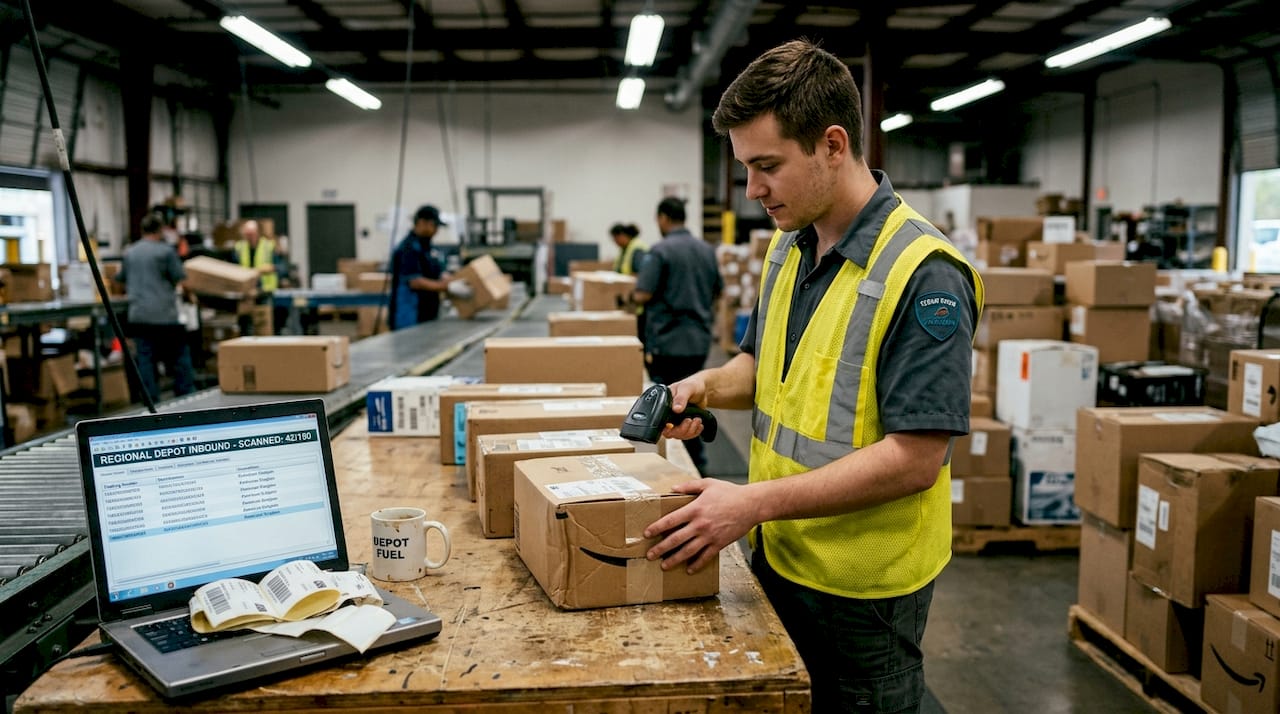
Barcode scanning is still the backbone of global tracking. Nearly every package in the world moves through a network that relies on 1D or 2D barcodes printed on labels. Scanners at facilities log the barcode data and sync it to a carrier’s database, which then feeds customer-facing tracking portals. It is fast, cheap, and widely compatible across carrier networks.
But barcode scanning alone cannot do everything. RFID (Radio Frequency Identification) and GPS add layers of automation and visibility that barcodes simply cannot provide at scale. And AI is increasingly stepping in to make sense of all that data.
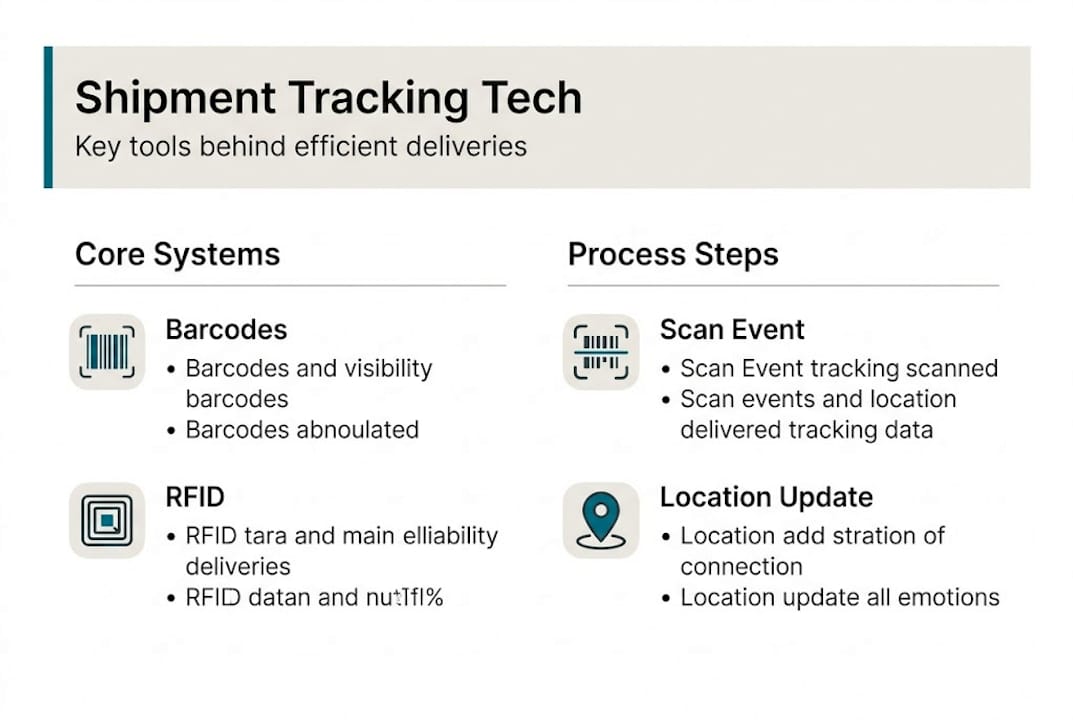
| Technology | Primary role | Advantage | Limitation |
|---|---|---|---|
| Barcode | Scan event logging | Universal, low cost | Requires line-of-sight scan |
| RFID | Automated item detection | No manual scan needed | Higher setup cost |
| GPS | Location tracking | Live location data | Used mainly for vehicles, not parcels |
| AI | Predictive ETA, anomaly detection | Identifies delays early | Requires clean data to work well |
Here is how each technology fits into the shipment journey:
- At the warehouse: RFID in warehousing speeds up outbound processing by reading multiple items simultaneously without manual scans.
- In long-haul transit: GPS trackers on trucks or containers give carriers fleet-level visibility.
- At sort facilities: Barcodes remain the primary event-logging tool.
- For ETA prediction: AI analyzes historical data, weather, and carrier patterns to improve delivery estimates.
Pro Tip: If you manage a warehouse and are evaluating new technology, RFID pays off fastest in high-volume operations where manual scanning creates bottlenecks. The labor savings compound quickly.
For a deeper look at how order tracking technology integrates across systems, understanding the full tech stack will help you make smarter investment decisions rather than buying tools that do not connect.
Common shipment tracking issues and edge cases
Even with the best technologies, tracking is not always smooth. Here’s what most e-commerce teams encounter.
About 5% of shipments experience some kind of tracking edge case. That sounds small, but at scale it adds up fast. A seller shipping 10,000 orders per month deals with 500 exceptions. Every single one has the potential to become a customer service ticket if you are not prepared.
Common edge cases include customs holds, silent transit periods, damaged barcodes, address errors, and weather disruptions. Here is how to recognize and respond to each:
- No updates in transit: The most common issue. The package is almost always moving. Wait at least 48 hours before escalating to the carrier.
- Customs hold: Happens on international shipments. Can last anywhere from 1 to 10 days depending on the destination country and whether paperwork is complete. Follow up with the carrier’s customs team if it exceeds 7 days.
- Address error: Usually surfaces when the package reaches the destination sort facility. Carriers may attempt re-routing, but this adds days. Always validate addresses at checkout.
- Weather or natural disaster delays: Carriers typically post system-wide alerts. Check the carrier’s status page before contacting support.
- Damaged or unreadable barcode: The package may still move, but tracking goes dark. Carriers use secondary label systems in some cases, but recovery depends on the facility. This is why proper label printing and placement matters.
Pro Tip: Build a simple one-page reference guide for your customer service team that maps each common status to a plain-language explanation and a recommended response. This alone can cut WISMO (Where Is My Order?) tickets significantly.
Using shipment tracking software with exception management features lets you flag these issues automatically rather than waiting for customers to report them.
Best practices for e-commerce shipment tracking
Knowing the pitfalls, how can you actually improve your tracking operations for better results and happier customers?
AI and APIs integrated with your order management system make it possible to pull tracking events automatically and trigger customer notifications without manual work. In 2026, this is table stakes for any operation shipping more than a few hundred orders per month.
Here are the core best practices that consistently improve tracking reliability and customer satisfaction:
- Choose carriers with robust tracking networks: Not all carriers have equally dense scan networks. Test before committing to volume.
- Standardize label printing: Use consistent label formats, print quality settings, and placement rules to minimize barcode damage.
- Integrate via APIs in logistics: Pull tracking events directly into your order management system so your team has one source of truth.
- Monitor exception queues daily: Do not wait for customers to tell you something went wrong. Build a daily review process for flagged shipments.
- Set SLA benchmarks: Define what counts as a delayed shipment and create escalation rules based on those benchmarks.
- Communicate proactively: Send automated notifications when a shipment enters a delay state. Customers who are informed in advance are far less likely to file a complaint.
Pro Tip: Set up automated alerts for any shipment that has not had a scan event in more than 48 hours. Most of these will be fine, but the small percentage that are not will be caught early, before the customer notices.
The measurable impact of strong tracking practices is real. Fewer WISMO contacts, higher post-purchase satisfaction scores, and better repeat purchase rates. Explore top tracking software options to find tools that automate these processes at scale.
Why shipment tracking is more about system design than technology
Now that you know the fundamentals and practical steps, here is a candid perspective on what really determines shipment tracking success.
Many e-commerce operations pour money into new tracking tools and expect visibility problems to disappear. They rarely do. The tools matter, but they are only as useful as the processes built around them. We have seen teams with enterprise-grade software still drowning in WISMO tickets because nobody built the workflow to act on the alerts the software generated.
The real win comes from designing a closed-loop operation: tracking data triggers a notification, the notification reaches the right person, that person acts, and the outcome gets logged and reviewed. Most operations are missing one or two links in that chain.
“The best technology is wasted if your team does not respond when a package goes quiet.”
Invest equal effort in people, processes, and technology. A well-trained support team working with a basic tracking tool will outperform an untrained team with a premium platform every time. Holistic logistics integration is what separates operations that scale from those that stall.
Take the next step: Streamline your shipment tracking
Ready to put these lessons into action?
Streamlined shipment tracking is not just about knowing where packages are. It directly reduces customer service costs, improves satisfaction scores, and builds the kind of post-purchase trust that drives repeat orders. The difference between a frustrating experience and a loyal customer often comes down to a single proactive notification.
OR-NER provides the resources and tools you need to build that kind of operation. Browse curated shipment tracking software options to find solutions that fit your volume and carrier mix. Dig into the order tracking technology guide for a deeper look at integration strategies. And explore the full parcel tracking systems overview to understand how modern platforms connect every layer of your delivery operation.
Frequently asked questions
Why does shipment tracking sometimes stop updating for several days?
Tracking stops because updates only occur at scan events, meaning no update simply means your package is moving between checkpoints with no facility scan in between.
What does ‘in transit’ really mean in tracking systems?
Scan events occur at hubs, so ‘in transit’ means the package has left one scan point and is physically traveling to the next facility where it will be logged again.
How long should I expect customs delays on international shipments?
Customs can delay shipments anywhere from 1 to 10 days, with longer delays typically tied to incomplete documentation or high-inspection-rate destination countries.
How can e-commerce sellers improve tracking reliability and customer communication?
AI and APIs enable automated event pulling and proactive customer notifications, reducing manual work and cutting WISMO contacts before they happen.