The freight forwarding process flowchart you need maps six nodes: pickup, booking, export documentation, transport, customs entry, and delivery. This page includes downloadable and editable template options, plus an SOP checklist you can adapt directly. Editable flowchart templates are available for these processes, and some service providers can execute the booking and customs steps the diagram describes.
TL;DR:
- The process flowchart highlights critical handoff points between export customs clearance, main transport, and import entry, which are common sources of delays.
- Editable templates allow customization of nodes, owners, and SLA times, making them suitable for operational SOP development and process tracking.
- Key documents such as the commercial invoice, packing list, bill of lading, and customs entry forms must be accurately annotated with responsible roles to prevent compliance issues.
- Marking transit checkpoints and cost escalation points like customs, terminal handling, duties, and demurrage helps identify delay risks and potential extra charges.
- Platforms like Or-ner can handle operational tasks such as booking, customs clearance, and warehousing, enabling teams to focus on process design and oversight.
Table of Contents
- The end-to-end freight forwarding process, step by step
- Key documents, acronyms, and roles to label on your diagram
- Downloadable flowchart PDFs and editable templates to start from
- Turning the flowchart into an SOP or operations checklist
- Timeline checkpoints and cost drivers to mark on the chart
- A one-page download checklist and SOP starter
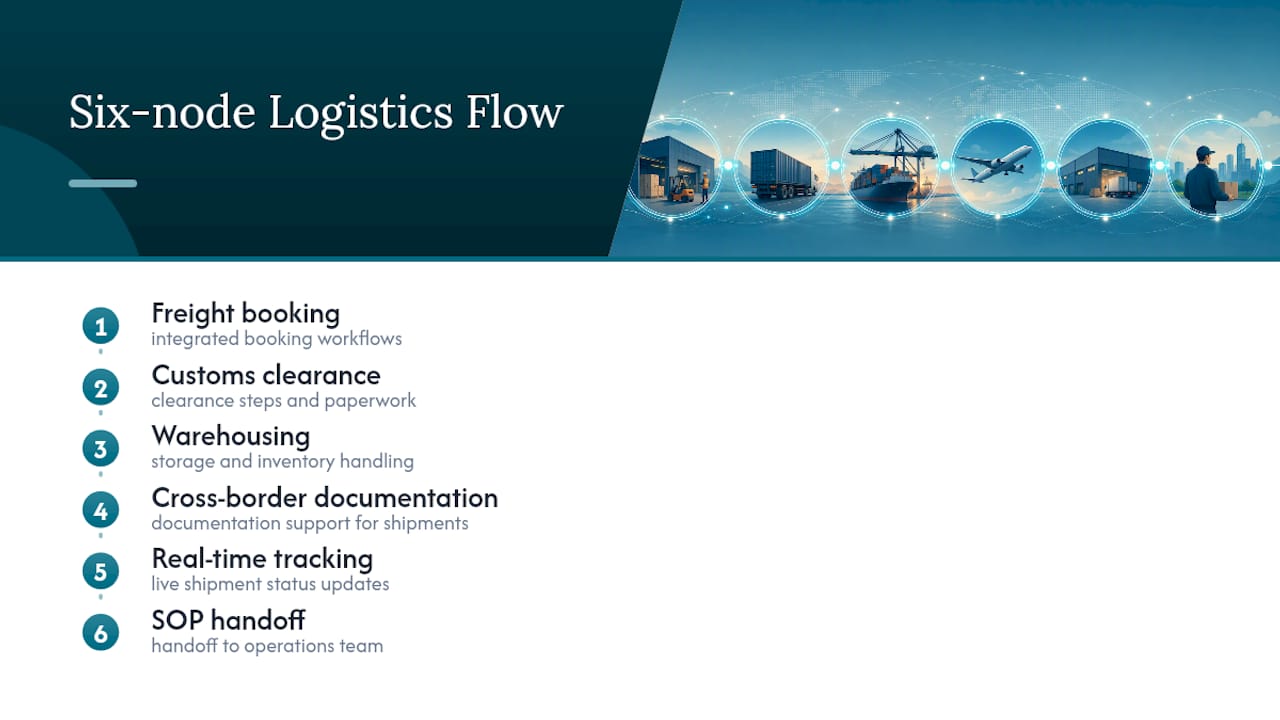
- Certain platforms cover the operational steps this flowchart describes: freight booking, customs clearance, warehousing, and cross-border documentation support, integrated with real-time shipment tracking. Teams building an SOP from this page may be able to request an editable flowchart export and a matching starter checklist to assist in the process. Documentation tools and booking workflows are often built to plug directly into the nodes outlined above, which is useful when handing a finished SOP to an operations team.
- Single master chart or separate diagrams by mode
- Request an editable flowchart or managed booking from Or-ner
- Sources
- FAQ
The end-to-end freight forwarding process, step by step
A usable flowchart needs every handoff labeled, not just the boxes. Each step below names the owner and what should exist before the process moves forward.
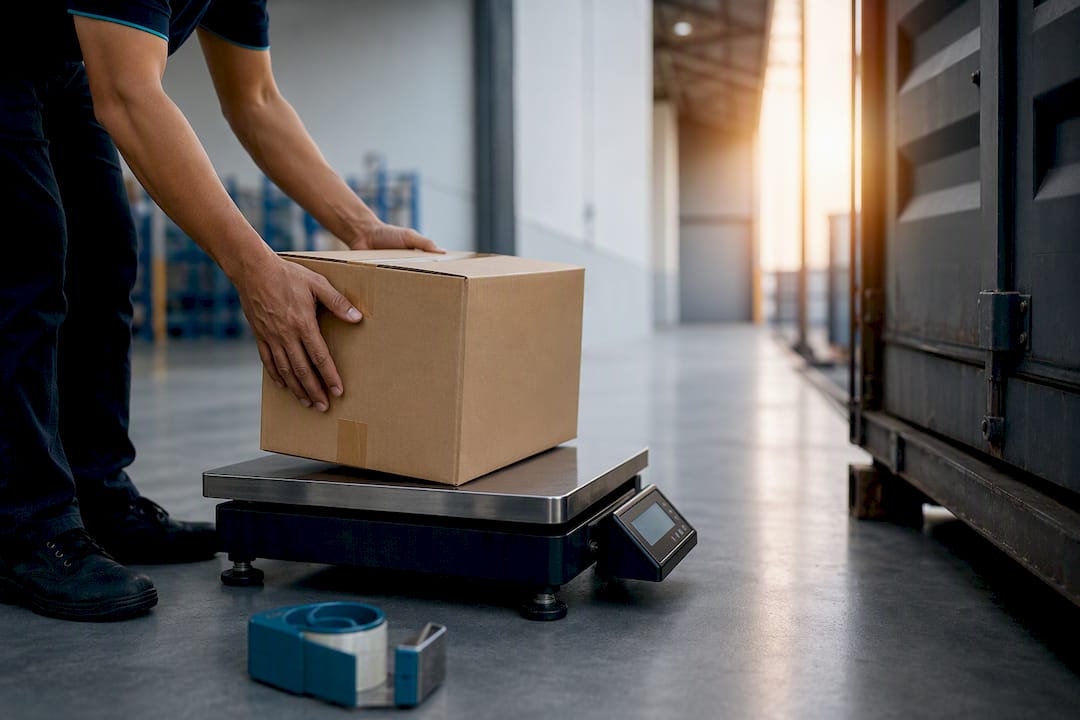
- Order and pickup request: the shipper submits cargo details and requests collection; output is a booking inquiry with weight, volume, and destination.
- Rate quote and booking confirmation: the forwarder quotes space and confirms the booking; output is a confirmed booking number tied to a vessel, flight, or truck schedule.
- Export documentation prep: the shipper or forwarder assembles the commercial invoice, packing list, and certificate of origin; forwarders commonly prepare and review export documents and can file export entries on the exporter’s behalf.
- Cargo pickup and consolidation: the forwarder or carrier collects goods, verifies against the packing list, and consolidates with other shipments where relevant.
- Export customs clearance: the forwarder or a licensed customs broker files the export declaration before the cargo departs.
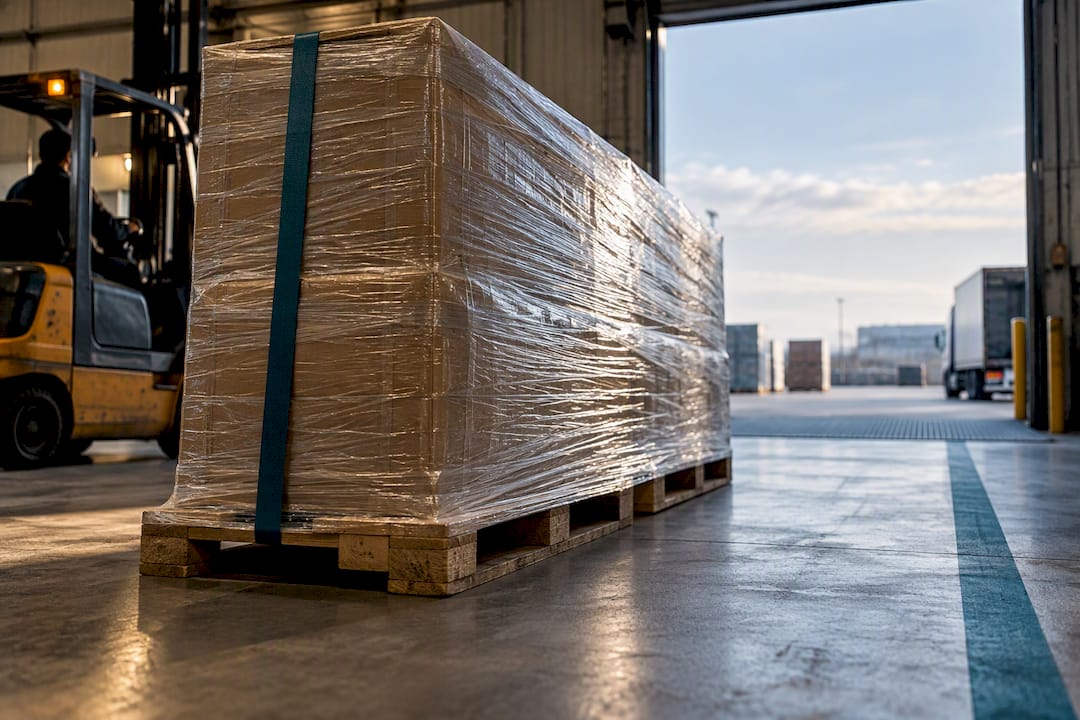
- Main transport (ocean, air, or road): the carrier moves the cargo; output is a bill of lading or air waybill confirming the goods are in transit.
- Import customs entry: the importer of record or broker files entry documents at destination.
- Final delivery and proof of delivery (POD): the carrier delivers to the consignee and captures a signed POD, closing the loop.
Annotate the handoffs between steps 5 and 6, and between 6 and 7, since those are where paperwork mismatches most often stall cargo. Our freight forwarding procedure guide breaks down forwarder responsibilities at each of these owner transitions.
Key documents, acronyms, and roles to label on your diagram
A flowchart is only as useful as its labels. Readers unfamiliar with forwarding jargon need each box tied to a document and a role, not just an arrow.
- Commercial invoice: prepared by the shipper, states value and terms of sale.
- Packing list: prepared by the shipper, itemizes weight and package count.
- Bill of lading (B/L) or air waybill (AWB): issued by the carrier or forwarder, the transport contract and cargo receipt.
- FCR (forwarder’s certificate of receipt): issued by the forwarder confirming cargo has been received for shipment.
- FBL (FIATA bill of lading): a negotiable transport document issued under FIATA’s standard forms, including a digital eFBL version now verifiable through participating systems.
- Certificate of origin, permits, and insurance documents: prepared by the shipper or a licensed agent, required for regulated or high-value goods.
- Customs entry forms: filed by the importer of record or a licensed customs broker at destination.
Freight forwarders provide a documented range of services including booking, documentation, warehousing, and consolidation, and many are also NVOCCs regulated by the Federal Maritime Commission. That regulatory distinction matters on your flowchart: a forwarder and a customs broker are separate legal roles, and confirming who files the entry avoids compliance gaps. Our documentation guide covers each form in more depth.
Downloadable flowchart PDFs and editable templates to start from
Not every PDF you find online is meant to be edited. Some are static export diagrams built for one company’s process, useful as reference but not as a working template. Others are true editable diagram files you can rebuild with your own node labels, owners, and SLA times.
| Asset type | Format | Scope | Best use |
|---|---|---|---|
| Westports export process flow | Static PDF | Ocean export, FCL | Reference for port-side export sequencing |
| Academia | Static PDF | General shipping steps | Instructional reference for training new staff |
| Creately freight forwarding template | Editable diagram | End-to-end, customizable | Building a live SOP tied to your own TMS events |
Static PDFs require manual annotation: you print or mark them up by hand each time a process changes. An editable diagram file lets you rename nodes, attach owners, and export a fresh print-ready PDF whenever your workflow shifts. When exporting an editable file, check the platform’s licensing terms before distributing the PDF outside your organization, and confirm the export resolution is high enough for wall-chart printing.
Turning the flowchart into an SOP or operations checklist
A flowchart tells you the sequence. An SOP tells your team what to do at each node, who signs off, and how long each step should take.
- Map each node to a task: write the input needed, the output produced, and the person responsible.
- Assign an SLA to each step: booking confirmation, document prep, and customs filing each need a target turnaround time.
- Add a sign-off column: mark which steps require a supervisor or broker approval before moving forward.
- Version-control the PDF: store it with a date and revision number so operations always references the current version.
- Link nodes to TMS or WMS event IDs: this keeps the paper process tied to system-tracked milestones.
Pro Tip: Name your PDF and template files with a consistent pattern, such as “SOP_Ocean_v3_2026,” so operations can find the current version without opening five old copies.
Timeline checkpoints and cost drivers to mark on the chart
Booking lead time, transit duration, and customs clearance windows should each get a checkpoint marker on the diagram, since these are where delays typically surface. Entry documents generally must be filed within 15 calendar days of arrival, with entry summary requirements due within 10 working days, a deadline worth marking directly on the customs entry node.
- Freight and fuel surcharges: annotate as variable costs tied to the transport node.
- Terminal handling charges (THC): mark at the port or airport handoff.
- Duties and taxes: flag at the customs entry node.
- Warehousing and demurrage: annotate as escalation costs if cargo sits past the free time allowed.
Mark escalation points wherever a delay could trigger extra charges, so the diagram doubles as a cost-risk map.
A one-page download checklist and SOP starter
Print this checklist alongside your flowchart PDF so operations can check off each step in real time.
- Confirm booking and carrier schedule.
- Assemble commercial invoice, packing list, and certificate of origin.
- Confirm who files export and import customs entries.
- Verify B/L or AWB details match the packing list.
- Track transit and flag any exception at the customs entry checkpoint.
- Capture POD and close the file.
Attach this checklist as a second page to your flowchart PDF so both documents travel together. Our freight booking guide offers a companion checklist for the booking step specifically.
Certain platforms cover the operational steps this flowchart describes: freight booking, customs clearance, warehousing, and cross-border documentation support, integrated with real-time shipment tracking. Teams building an SOP from this page may be able to request an editable flowchart export and a matching starter checklist to assist in the process. Documentation tools and booking workflows are often built to plug directly into the nodes outlined above, which is useful when handing a finished SOP to an operations team.
Single master chart or separate diagrams by mode
A single master flowchart works well for training new staff on the universal sequence, but it hides mode-specific detail like airway bill issuance or container stuffing. The stronger approach is a master chart with mode-specific overlays for air, ocean, and road, so each mode keeps its own annotated steps without cluttering the core diagram. A team running both air and ocean lanes might keep one master SOP and swap in the overlay for whichever mode a shipment uses.
— Maayan
Request an editable flowchart or managed booking from Or-ner
Building the flowchart is the easy part. Running the process it describes, booking space, filing customs entries, tracking exceptions, is where most teams lose time. Or-ner handles that operational layer directly.
- Freight booking: request a quote and lock in a booking through Or-ner’s freight estimate tool.
- Customs clearance and warehousing: hand off the entry filing and storage steps through Or-ner’s global ecommerce fulfillment service.
- Custom flowchart or template request: reach out through Or-ner’s main platform to get an editable version built around your own lanes.
Start with whichever step is currently your bottleneck and let the platform take that node off your plate.
Sources
- Shipping: Documentation | BETA – International Trade Administration
- Importing into the United States | U.S. Customs and Border Protection (PDF)
- Customs brokers and freight forwarders – International Trade Administration
- Digital FIATA BL — FIATA eFBL
- Export Process Flow for FCL – Westports Holdings (PDF)
FAQ
What is the workflow of freight forwarding?
The workflow runs from pickup and booking through export documentation, main transport, import customs entry, and final delivery with proof of delivery. Each handoff involves a different owner, typically the shipper, forwarder, carrier, and customs broker.
What are the operations in freight forwarding?
Core operations include booking cargo space, preparing export documentation, arranging inland and main transport, filing customs entries, and coordinating warehousing when needed. Forwarders also handle consolidation and freight rate negotiation as part of standard service.
What is SOP in freight forwarding?
An SOP, or standard operating procedure, translates the flowchart’s process nodes into specific tasks with assigned owners, input and output requirements, and turnaround expectations. It provides operations staff with a repeatable reference instead of relying on institutional memory.
What is FCR in freight forwarding?
FCR stands for forwarder’s certificate of receipt, a document the forwarder issues confirming cargo has been received for shipment. It is distinct from a bill of lading and does not itself serve as a negotiable transport document.